Who Was on Duty at 02:14?
Why Fire Command Centre Scheduling Fails When It Matters Most
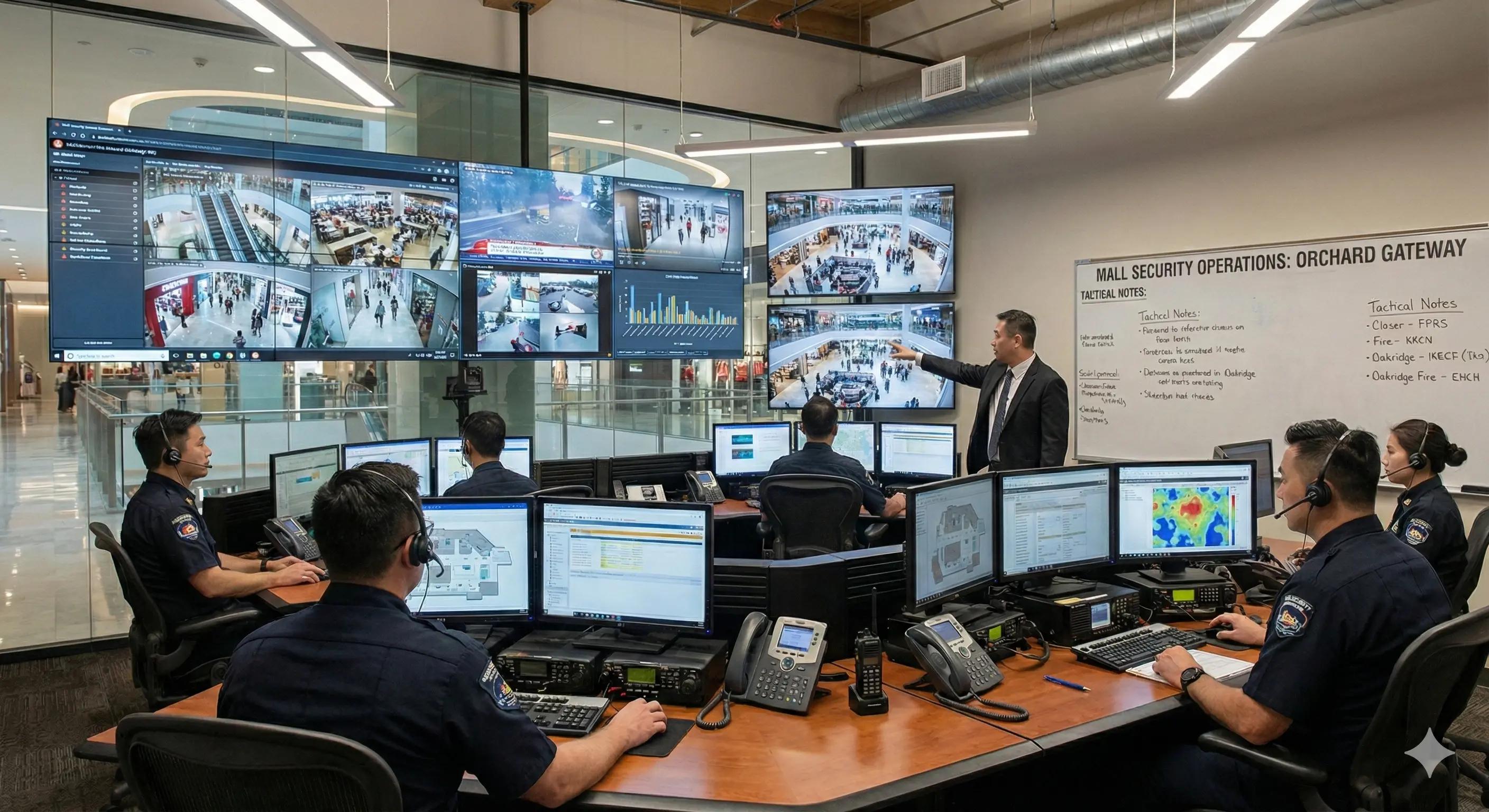
Why Fire Command Centre Scheduling Fails When It Matters Most
At 02:14, the fire alarm goes off.
Not a drill. Not a system test. A real alert.
Smoke detected. Location unclear. The building is quiet. Most people are asleep.
And then the first real question lands:
Who was on duty in the Fire Command Centre at 02:14?
If that question makes you pause even for a second, you’re not alone.
The uncomfortable reality of FCC operations
In Singapore, Fire Command Centres (FCCs) are mandatory in large malls, office towers, hotels, hospitals, and mixed-use developments.
They are:
- staffed 24/7
- audited
- relied on during worst-case scenarios
On paper, this looks tightly controlled.
In practice, the scheduling behind FCCs is often far more fragile than people realise.
What we keep seeing on the ground
Across conversations with facilities managers, security leads, and building operators, the setup is usually some combination of:
- Excel rosters maintained by one person
- Whiteboards in the control room
- WhatsApp messages for shift swaps and sick calls
- Monthly PDFs that quickly become outdated
Everything works fine. Until something actually happens.
Why incidents expose scheduling weaknesses
When alarms trigger or inspections follow, nobody asks:
“What was the planned schedule?”
They ask:
- Who was actually on duty
- Whether that person was FCC-certified at that moment
- Whether rest and rotation rules were respected
- Who approved last-minute changes
Those answers need to be:
- immediate
- accurate
- defensible
Especially when dealing with regulators like the Singapore Civil Defence Force (SCDF).
This is where most FCC scheduling setups break down.
The four failure points we see repeatedly
1. Planned shifts ≠ actual shifts
Excel shows who should have been there.
Reality shows who did show up.
If someone swapped shifts informally or covered a sick call, that trail is often lost.
2. Certification is tracked outside the schedule
Not every security officer is FCC-certified. Not every certification stays valid forever.
That information usually lives in a separate file, HR system, or someone’s memory.
At 02:14, none of those are reliable systems.
3. Fatigue stays invisible
Night shifts followed by early mornings happen more than anyone admits.
Fatigue rarely appears on the roster. It appears in missed alerts, slower reactions, and poor handovers.
4. No durable audit trail
When changes happen via calls or messages:
- Who approved them?
- When did they happen?
- Who was accountable?
After the shift ends, those answers often disappear.
This is not about bad intentions
Most FCC teams are doing their best with the tools they have.
The problem isn’t effort. It’s that FCC scheduling is treated as administrative work instead of what it really is:
an operational safety system.
Can you answer this for your own FCC?
Here’s the real test:
Could you confidently explain who was on duty, whether they were qualified, and whether the setup was compliant for any past shift?
If that answer requires digging through messages, screenshots, or memory, that’s a risk.
👉 Check your Fire Command Centre readiness
(2 minutes, no login required)
What defensible FCC scheduling actually looks like
Teams that take this seriously aren’t adding more staff.
They are removing ambiguity.
That usually means:
- enforced 24/7 coverage (no accidental gaps)
- skill-based scheduling for FCC-certified staff
- clear separation between planned and actual shifts
- visible guardrails around rest and rotation
- historical records that don’t get overwritten
Not for optimisation. For accountability.
Why this matters even if nothing ever happens
Most FCCs will never face a major incident.
But audits, inspections, drills, and questions happen all the time.
And the standard is simple:
- Can you explain what happened?
- Can you show it?
- Can you do it calmly?
“Usually” is not an answer.
Final thought
Fire Command Centres exist for moments nobody wants to experience.
If your answer to “Who was on duty at 02:14?” depends on guesswork, the problem didn’t start at 02:14.
It started with the way the schedule was managed.
Want to sanity-check your FCC setup? Run the FCC Readiness Check →