Create Your Shift Framework Instantly with AI
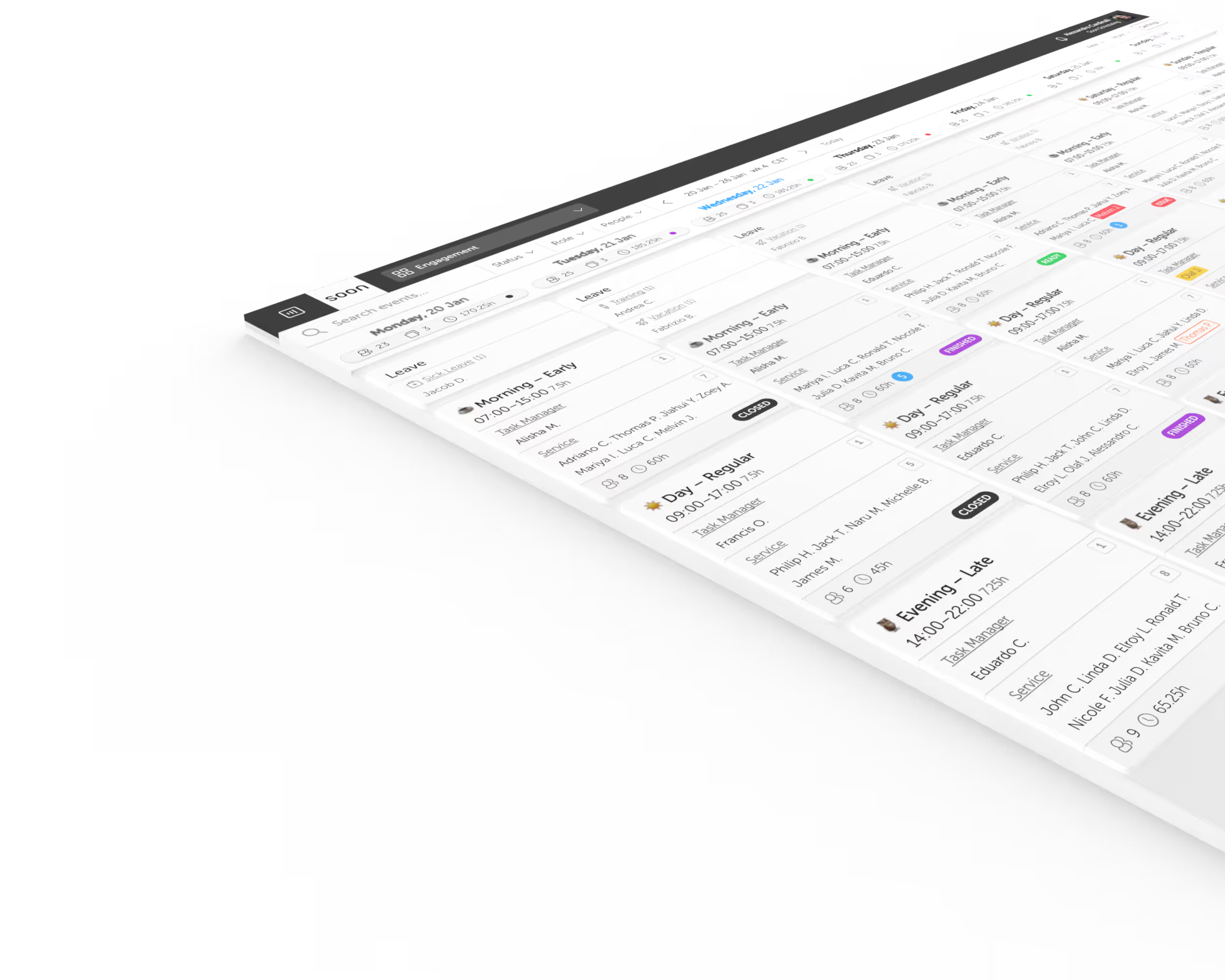
Soon helps you move from a blank schedule to a structured weekly setup fast. Describe how your business operates or upload an existing schedule to create your shift framework.
Start Free TrialTurn Text or Schedules into a Shift Framework
Describe or upload your schedule
Tell the AI about your opening days, time ranges, roles, staffing requirements, unpaid breaks, and self-scheduling rules. You can also upload a typical week as csv, xlsx, pdf, png, or jpeg.
Generate your shift plan in seconds
Soon analyzes your input and creates a weekly shift framework with clear shifts, times, locations, roles, and staffing requirements. You get a structured starting point instead of a blank page.
Review, apply, and reuse
Adjust the generated framework, apply it to your schedule, and save it as a reusable week template. Once the structure is right, assigning people becomes much easier.
Why Teams Use the Shift Plan Generator
One-prompt simplicity
Create a complete weekly shift framework from a short description or an uploaded file.
Reusable week templates
Save generated shift plans for future use and update them when your operating model changes.
Fast iteration
Test different shift setups quickly without rebuilding the entire week manually.
Shift pattern exploration
Compare alternative frameworks and coverage models with a new prompt, then keep the one that fits best.
Define business needs before assigning staff
Soon generates the shift plan first, then helps you staff it. That demand-led approach makes it easier to build coverage around the real needs of the business before you start assigning people.
Start Free TrialStart with the structure, then fill shifts with confidence.
Build your weekly shift framework faster
Generate a structured plan in minutes, save it as a template, and move into staffing with a clearer starting point.
Start Free TrialThe next scheduling layer
From a shift framework to assigned people
The generator creates the structure: times, roles, locations, breaks, and staffing requirements. When the framework is ready, use auto-scheduling to assign qualified people around availability, leave, contracted hours, and scheduling rules.
Frequently asked questions
Does the generator assign people to shifts?
No. The generator creates the shift framework only. Assigning people happens afterward using Soon’s Auto-fill and scheduling tools.
What files can I upload?
You can upload csv, xlsx, pdf, png, or jpeg files. Exporting a typical week from your current scheduling tool works best.
Are uploaded files stored?
No. Uploaded files are processed to generate the shift framework and are not stored.
Can I reuse the generated plan?
Yes. You can save the result as a week template and reuse or adapt it later.
I have more questions. Can I speak to someone on the team?
Definitely. Reach out through the contact page and the team can walk you through the feature.
Your next schedule could take 2 minutes.
Import your team, set your rules, hit auto-fill. Most teams are live the same day.
30 days free · No credit card required
Already have an account?Sign in